
How to Purchase on Embroideres.com
👁 84 views
1 Product Page
Open the product page. Select the desired embroidery design and click Add to cart.
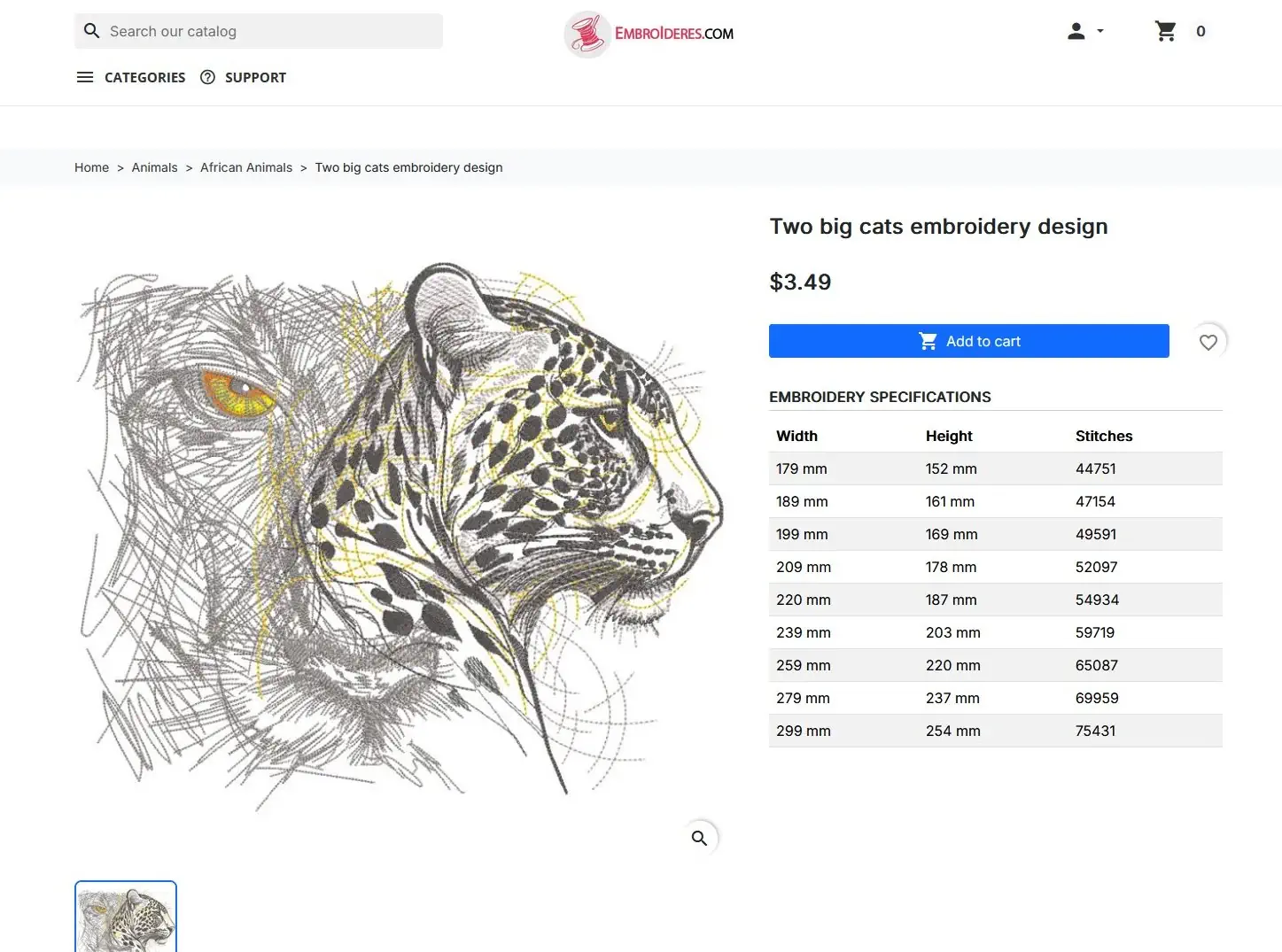 Open the product page. Select the desired embroidery design and click Add to cart.
2 Cart Confirmation
A popup confirms the item was added. Review the total and click Proceed to checkout.
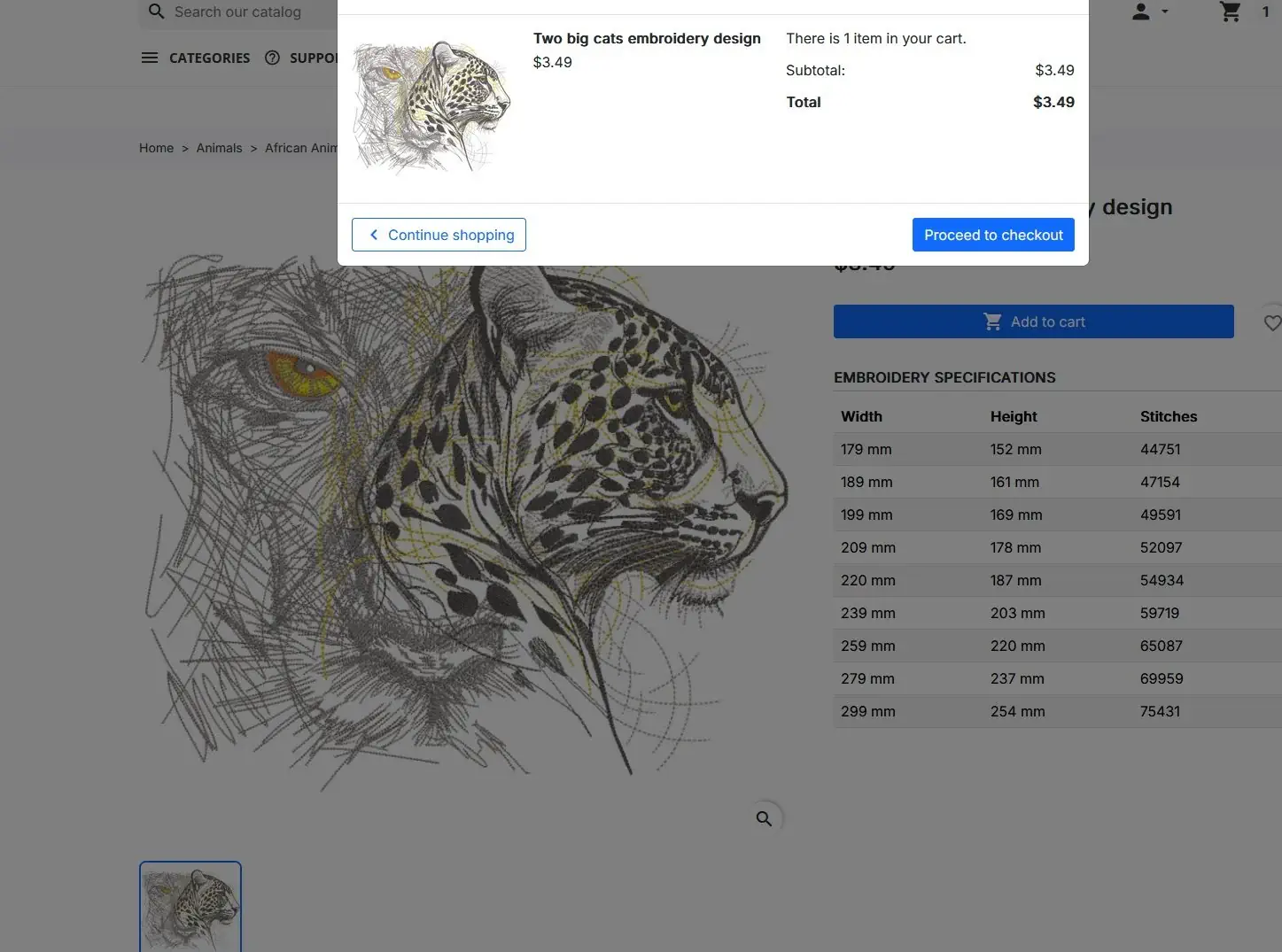
3 Shopping Cart
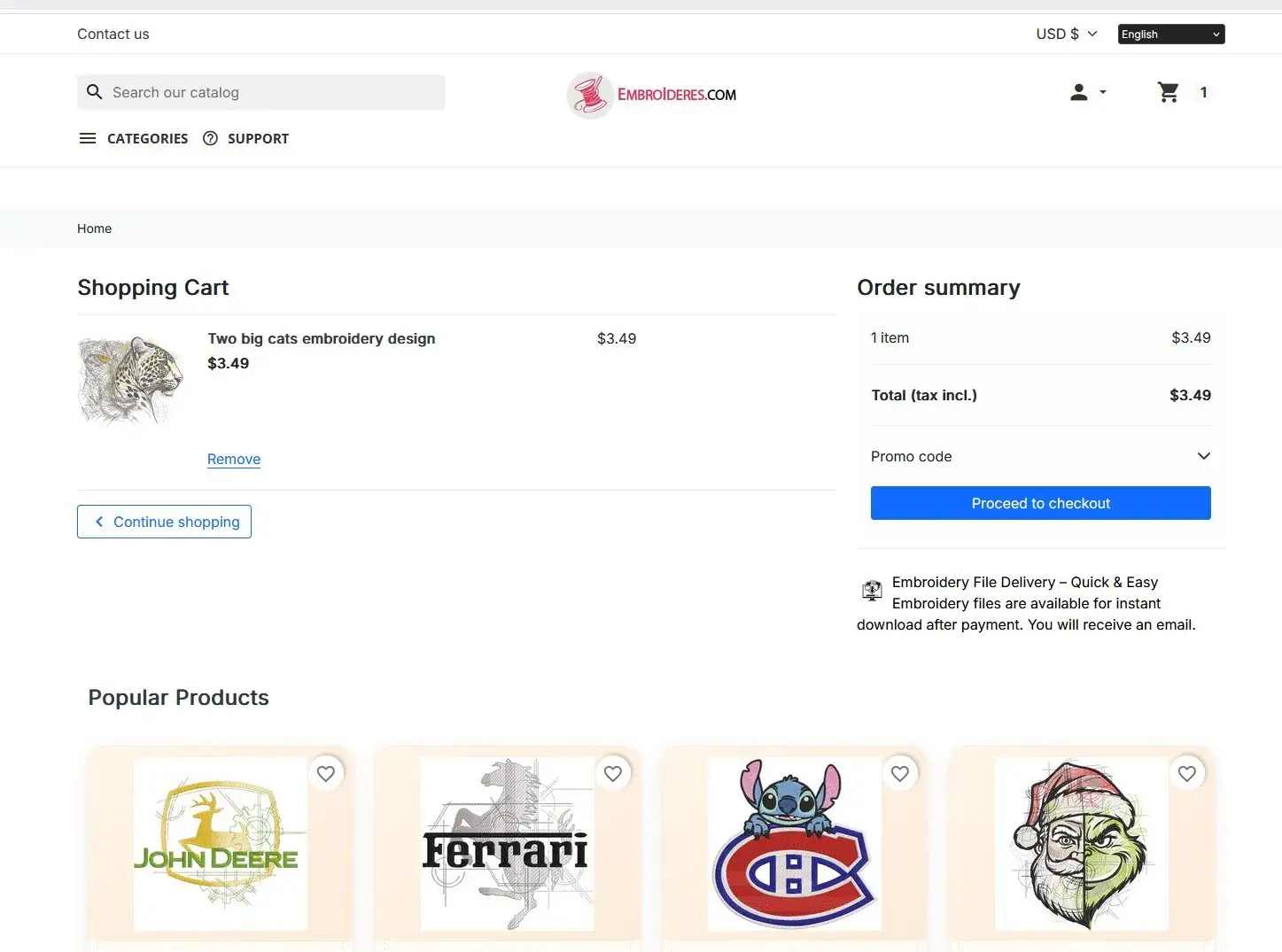
Review your cart contents and order summary. Apply a promo code if needed, then click Proceed to checkout.
4 Payment
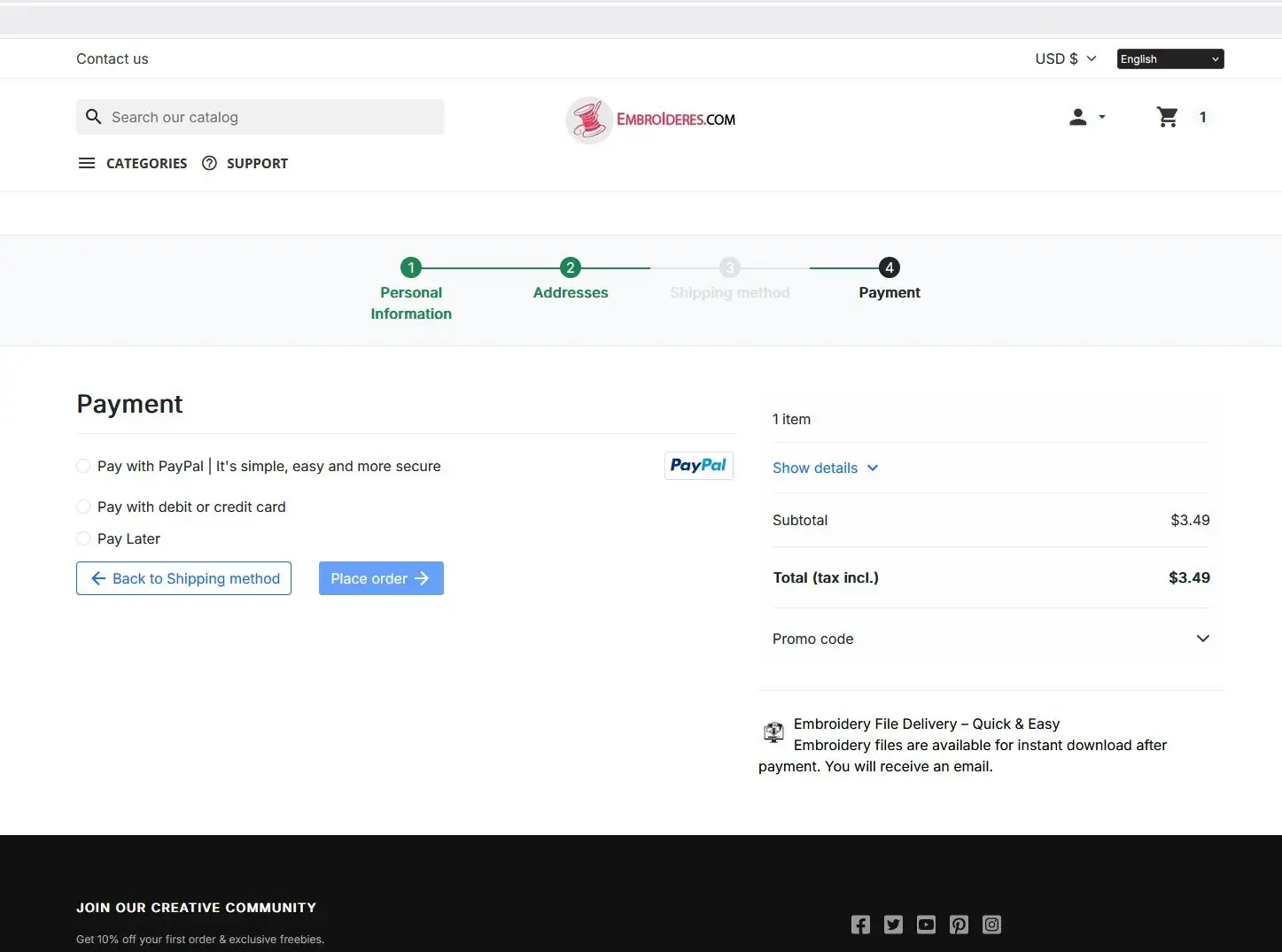
Select a payment method (PayPal, credit card, or Pay Later) and click Place order to complete the purchase.
👁 84 views